 CheapTraffic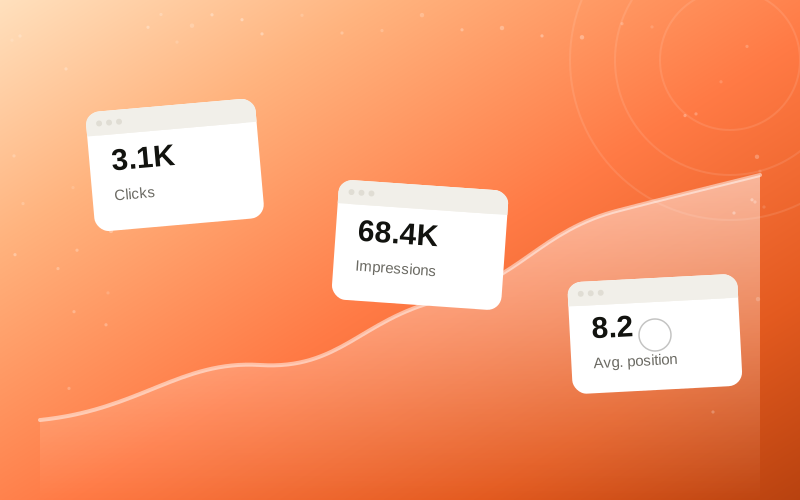
Someone opens Search Console after running a campaign and goes straight for three numbers: clicks, impressions, average position. One of them moved, so something must have worked. That reaction is understandable — those three metrics are right at the top of the Performance report for a reason. It's also the fastest way to draw the wrong conclusion from a report that was never built to be read that quickly.
Each of these numbers means something specific and fairly narrow. Once you know what they actually cover, it gets a lot easier to tell the difference between a real signal and a number that just happened to shift.
None of this is complicated once it's laid out. But it rarely gets laid out, because most people open the Performance report, glance at the top-line totals, and form an opinion before reading past the headline numbers.
Times Google recorded someone clicking through from a search result to a URL on your site.
Times a URL appeared in search results, whether or not anyone clicked it.
An average across queries and dates — not one fixed rank for one keyword.
What GSC clicks actually mean
A click in Search Console means Google logged a click-through from a search results page to a specific URL. That's it. It doesn't tell you what the visitor did next, whether they stayed, or whether the visit had any commercial value. It's a count of one specific action, recorded on Google's side, not a measure of engagement or intent.
It's also worth remembering that GSC's click count and your own analytics session count are not the same figure and rarely match exactly. Different measurement points, different filtering, different timing. A gap between the two isn't an error in either report — it's just two systems counting slightly different things.
Clicks are also reported with a delay and can be revised slightly after the fact as Google finishes processing a given day. If you check a very recent date and the click count looks low, that's often just incomplete data rather than a real drop. The safest way to read clicks is over a full, closed date range — not the last day or two, which is still being filled in.
What impressions do and do not prove
An impression means a URL showed up on a search results page for a given query, somewhere the person scrolling could theoretically have seen it. It does not mean anyone actually saw it, and it says nothing about whether the result looked relevant, appealing, or even fully rendered on that particular device.
A rising impression count is often read as "we're ranking for more things now," which may or may not be true. Impressions can rise because a page started appearing for a broader — sometimes less relevant — set of queries. More impressions is not automatically a better outcome on its own; it's a number that needs the query list next to it to mean anything.
It's also common to see impressions climb while the click-through rate drops at the same time. That combination usually means the page is showing up more often for queries it isn't a great match for — visible, but not compelling enough to earn the click. Reading impressions without also checking which queries drove them tends to hide exactly this kind of pattern.
Why average position is easy to misread
Average position blends together every query and every day in the selected range into a single number. A page can average position 8 while sitting at position 3 for one query and position 40 for another. The average tells you almost nothing about either of those individual realities.
It also moves for reasons that have nothing to do with your site — Google testing layout changes, seasonal query mixes shifting, new competitors entering a results page. Treating a one-point change in average position as proof of ranking progress, in either direction, is reading more precision into the number than it actually has.
Position is also only calculated from impressions Google recorded, which means it's already filtered through whatever set of queries triggered those impressions in the first place. Add a handful of long-tail queries where a page happens to rank poorly, and the average drops even if the page's core, high-intent queries haven't moved at all. The single number hides which queries actually matter to the result.
Why traffic does not equal SEO proof
Traffic planned around GSC reporting context can help a URL or property show query and URL activity worth reviewing. It cannot, by itself, prove that a page ranks well, that demand for it is growing, or that any SEO work "worked." Those are different claims, and conflating them is where a lot of unrealistic expectations start.
The report can support a review — giving you more query and URL activity to look at, across GEOs and date ranges you actually care about. It can't tell you why a competitor outranks you, and it can't substitute for the slower, unglamorous work of improving a page's content, structure or technical setup. Traffic context and ranking cause are two separate things, even when they show up in the same report.
"One number moved, SEO worked."
"URL + query + country + date range context."
How to review GSC metrics without fooling yourself
The fix isn't complicated, it just takes an extra minute most people skip. Look at the metric inside its actual context instead of as a standalone headline number.
- Check the exact URL, not just the whole property
- Compare similar date ranges
- Separate branded and non-branded queries when possible
- Check country and device filters
- Look for query context, not one isolated number
- Do not treat average position as a ranking promise
None of these steps take long individually. Done together, they turn a two-second glance at a headline number into an actual review — which is the difference between reacting to a report and understanding one.
The bottom line
Clicks, impressions and average position are useful, but only when read as what they actually are: narrow, specific counts and averages, not a verdict on rankings or demand. Traffic planned around GSC reporting context can give you more of that data to look at. It's still on you to read it in context instead of reacting to whichever number moved first.
The report rewards patience more than speed. A single day's numbers will almost always tell you less than a proper date range, filtered correctly, checked against the right URL. That extra few minutes is usually the whole difference between a real read and a guess dressed up as one.


